This Rails plugin is the easiest way to export to Excel. It gives you the ability to call to_xls to an Array of Hashes. The builder options are the same as to_json / to_xml, except for the :include, :except, and :only. Additionally, there is a :upcase option which allows you to change your columns to upper case. Since you make the Hash, you can add whatever you want in the values or columns, name the columns whatever you want. Why? Because often you have data tables you want to export that are made up of modified and joined data from other tables when you display them, why not export that same modified data set? Also, since the columns read hash names and humanize the values, you can make column names that are more readable, like ":first_name" and will display like: "First name" or "FIRST NAME" (with :upcase option).
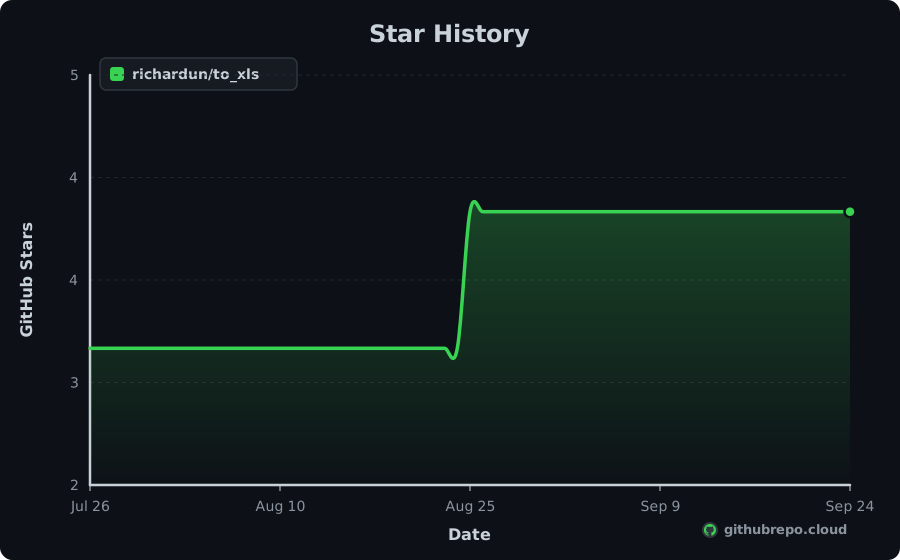
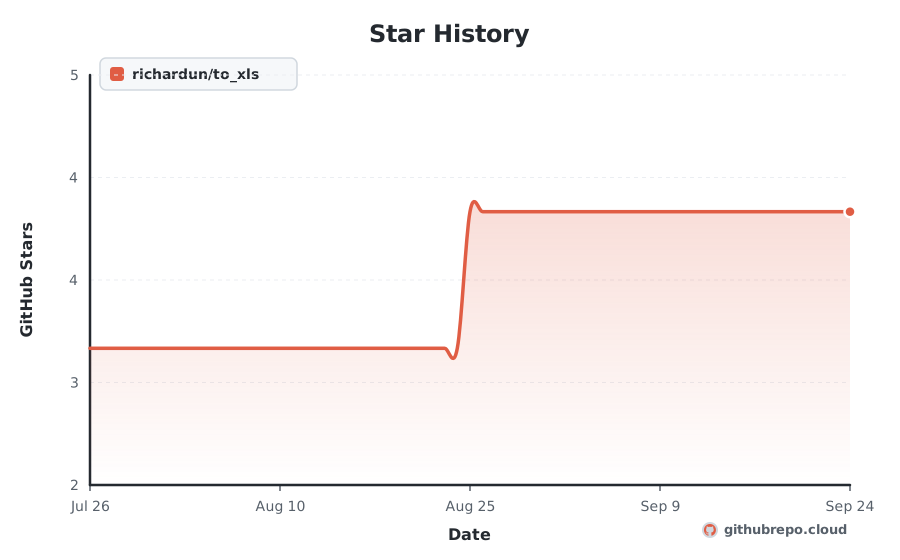
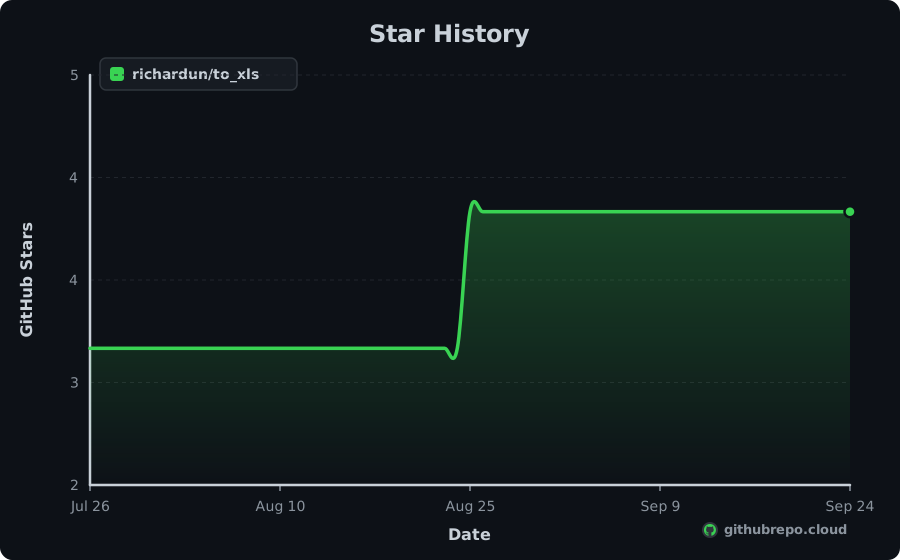
Star History
Add Live Star History & Verified Badges to README.md
Keep your repository README looking professional and dynamic. As our continuous crawler records new stars, these official SVG badges update in real time with zero maintenance.
Renders your high-resolution star trajectory chart right inside your GitHub README or project docs.

[](https://githubrepo.cloud/repo/richardun/to_xls?utm_source=readme_chart)Compact Shields-style badges for your README header. Shows real-time stars and global ranking.



[](https://githubrepo.cloud/repo/richardun/to_xls?utm_source=readme_badge) [](https://githubrepo.cloud/repo/richardun/to_xls?utm_source=readme_badge) [](https://githubrepo.cloud/repo/richardun/to_xls?utm_source=readme_badge)Momentum
+10
STARS · LAST 30 DAYS
1
PER DAY
#4,376
MOST-STARRED Ruby
| Window | 7 days | 30 days | 90 days |
|---|---|---|---|
| Stars gained | +0 | +10 | +90 |
| Per day | 1 | 1 | 1 |
| Forks gained | +0 | +3 | +10 |
to_xls gained 10 stars in the last 30 days, about 1 a day, and now has 4. It is about 17 years old and has averaged roughly 0 stars a year. It ranks #4,376 among Ruby repositories and #26,263 across all languages on GitHubRepo.
Trending Record
21
DAYS ON TRENDING
#100
BEST RANK
Oct 8, 2009
FIRST APPEARANCE
Active
STATUS TODAY
to_xls has maintained a continuous presence across global trending indexes, peaking at #100. Below is the 30-day activity profile:
💡 Overview
to_xls is an open-source project written in Ruby: This Rails plugin is the easiest way to export to Excel. It gives you the ability to call to_xls to an Array of Hashes. The builder options are the same as to_json / to_xml, except for the :include, :except, and :only. Additionally, there is a :upcase option which allows you to change your columns to upper case. Since you make the Hash, you can add whatever you want in the values or columns, name the columns whatever you want. Why? Because often you have data tables you want to export that are made up of modified and joined data from other tables when you display them, why not export that same modified data set? Also, since the columns read hash names and humanize the values, you can make column names that are more readable, like ":first_name" and will display like: "First name" or "FIRST NAME" (with :upcase option).
Engineered for speed, consistency, and developer ease, it solves common hurdles in Ruby. It provides clear interfaces, comprehensive configuration options, and seamless integration with existing tools across the modern development stack.
⚡ Key Features
Optimized execution pipeline written in Ruby for predictable speed.
Zero-friction configuration with comprehensive sensible defaults out of the box.
Cross-platform runtime support across Linux, macOS, and Windows environments.
Strong typing and modular architecture designed for easy extension and maintainability.
Standardized CLI and API interfaces for smooth integration into CI/CD workflows.
Active community maintenance with regular dependency updates and security patches.
📥 Installation
$ git clone https://github.com/richardun/to_xls.git
cd to_xls⚙ System Requirements
Platforms
- • macOS
- • Linux
- • Windows
Runtime & Dependencies
Ruby >= 3.1 with Bundler
Architecture
x86_64, ARM64 (Apple Silicon & Graviton)
🧠 How It Works
to_xls coordinates its core functionality through a modular Ruby pipeline. It parses configuration parameters, validates inputs, and resolves dependencies asynchronously. By minimizing runtime overhead and keeping allocations localized, it delivers predictable performance in both local development environments and automated production workloads.
🎯 Production Use Cases
Production System Integration
Embed to_xls into Ruby backend services to handle core application logic.
CI/CD Automated Pipelines
Run automated validation, builds, and integration suites during deployments.
Developer Tooling & Workflows
Accelerate developer onboarding with pre-configured project utilities.
Open Source Extension
Fork and customize internal modules under the repository's open MIT license.
🚀 Getting Started
Install to_xls using your package manager: `git clone https://github.com/richardun/to_xls.git`
Initialize your project workspace or configuration file for to_xls.
Import to_xls into your codebase or invoke it directly from your terminal.
Execute your test suite or run `to_xls --help` to verify successful setup.
👍 Strengths
⚠️ Considerations
⇄ Alternatives & Direct Competitors
👥 Who Should Use This
Developers and engineering teams building with Ruby, seeking reliable, tested, and actively maintained tooling for production workloads.
🏆 Nearby in the Rankings
richardun/to_xls is currently ranked #26,263 by stars across every repository tracked on GitHubRepo. These are adjacent projects:
| Rank | Repository | Language | Stars | Action |
|---|---|---|---|---|
| #25,404 | rubenv/tripod | C# | ★ 5 | Compare ↗ |
| #25,404 | gudata/formtastic_nested_edit | Ruby | ★ 5 | Compare ↗ |
| #25,404 | fd0/serialclient | C | ★ 5 | Compare ↗ |
| #25,404 | getaroom/create_stored_procedure | Ruby | ★ 5 | Compare ↗ |
| #25,404 | AlohaSocial/social | PHP | ★ 5 | Compare ↗ |
| #26,263 | richardun/to_xls This Project | Ruby | ★ 4 | |
| #26,263 | adelcambre/textilizefu | Ruby | ★ 4 | Compare ↗ |
| #26,263 | anaisbetts/yikes | C | ★ 4 | Compare ↗ |
| #26,263 | sudachen/python-tool-legacy | C | ★ 4 | Compare ↗ |
| #26,263 | crafterm/piccr | Ruby | ★ 4 | Compare ↗ |
| #26,263 | ebassi/talk | Python | ★ 4 | Compare ↗ |
Frequently Asked Questions
What does to_xls do? +
This Rails plugin is the easiest way to export to Excel. It gives you the ability to call to_xls to an Array of Hashes. The builder options are the same as to_json / to_xml, except for the :include, :except, and :only. Additionally, there is a :upcase option which allows you to change your columns to upper case. Since you make the Hash, you can add whatever you want in the values or columns, name the columns whatever you want. Why? Because often you have data tables you want to export that are made up of modified and joined data from other tables when you display them, why not export that same modified data set? Also, since the columns read hash names and humanize the values, you can make column names that are more readable, like ":first_name" and will display like: "First name" or "FIRST NAME" (with :upcase option).
What language is to_xls written in? +
The primary language is Ruby. Topics include: software.
Is to_xls actively maintained? +
Yes, the last recorded push was on Mar 22, 2012 with 0 open issues being tracked.
How many stars does to_xls have? +
to_xls has 4 stars and 1 forks on GitHub.
How does to_xls rank among GitHub repositories? +
With 4 stars, richardun/to_xls is ranked #26,263 globally across all repositories tracked on GitHubRepo and #4,376 among Ruby projects.
What license is to_xls distributed under? +
The repository reports a MIT license. Always verify the repository LICENSE file for legal terms.