CLI tool to perform cost analysis on your Azure subscription
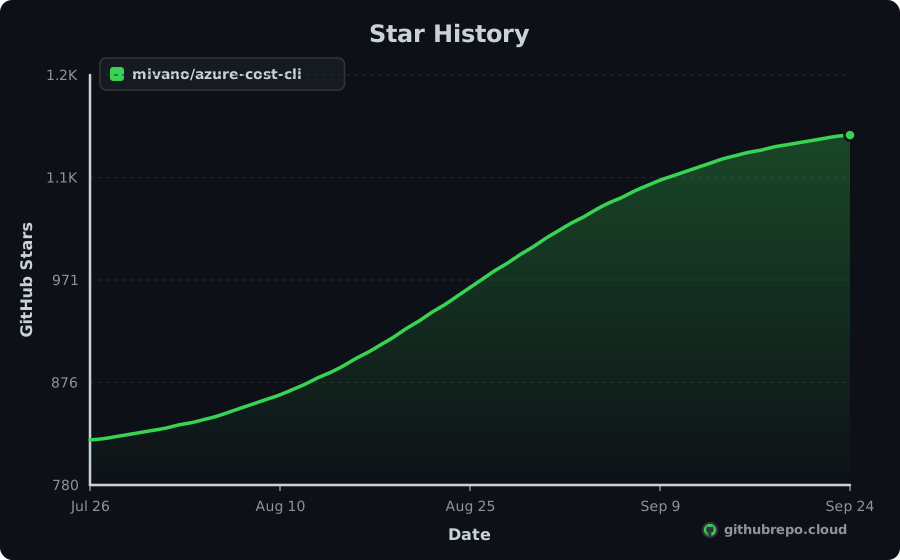
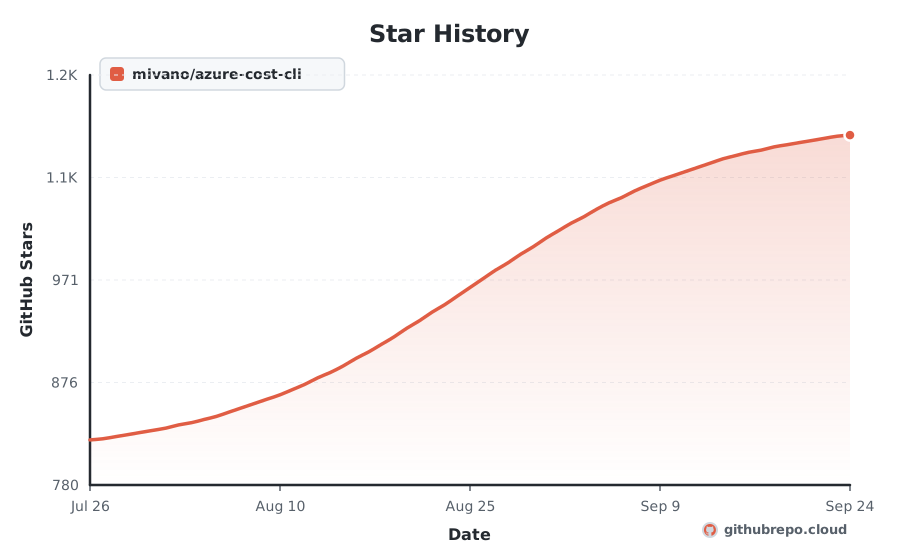
Star History

Add Live Star History & Verified Badges to README.md
Keep your repository README looking professional and dynamic. As our continuous crawler records new stars, these official SVG badges update in real time with zero maintenance.
Renders your high-resolution star trajectory chart right inside your GitHub README or project docs.

[](https://githubrepo.cloud/repo/mivano/azure-cost-cli?utm_source=readme_chart)Compact Shields-style badges for your README header. Shows real-time stars and global ranking.



[](https://githubrepo.cloud/repo/mivano/azure-cost-cli?utm_source=readme_badge) [](https://githubrepo.cloud/repo/mivano/azure-cost-cli?utm_source=readme_badge) [](https://githubrepo.cloud/repo/mivano/azure-cost-cli?utm_source=readme_badge)Momentum
+28
STARS · LAST 30 DAYS
1
PER DAY
#235
MOST-STARRED C#
| Window | 7 days | 30 days | 90 days |
|---|---|---|---|
| Stars gained | +0 | +28 | +90 |
| Per day | 1 | 1 | 1 |
| Forks gained | +0 | +3 | +10 |
azure-cost-cli gained 28 stars in the last 30 days, about 1 a day, and now has 1.1K. It is about 3 years old and has averaged roughly 374 stars a year. It ranks #235 among C# repositories and #4,424 across all languages on GitHubRepo.
Trending Record
7
DAYS ON TRENDING
#3239
BEST RANK
Sep 29, 2026
FIRST APPEARANCE
Active
STATUS TODAY
azure-cost-cli has maintained a continuous presence across global trending indexes, peaking at #3239. Below is the 30-day activity profile:
💡 Overview
azure-cost-cli is an open-source project written in C#: CLI tool to perform cost analysis on your Azure subscription.
Engineered for speed, consistency, and developer ease, it solves common hurdles in azure, cli, command-line. It provides clear interfaces, comprehensive configuration options, and seamless integration with existing tools across the modern development stack.
⚡ Key Features
Optimized execution pipeline written in C# for predictable speed.
Zero-friction configuration with comprehensive sensible defaults out of the box.
Cross-platform runtime support across Linux, macOS, and Windows environments.
Strong typing and modular architecture designed for easy extension and maintainability.
Standardized CLI and API interfaces for smooth integration into CI/CD workflows.
Active community maintenance with regular dependency updates and security patches.
📥 Installation
$ git clone https://github.com/mivano/azure-cost-cli.git
cd azure-cost-cli⚙ System Requirements
Platforms
- • macOS
- • Linux
- • Windows
Runtime & Dependencies
C# environment and standard tooling
Architecture
x86_64, ARM64 (Apple Silicon & Graviton)
🧠 How It Works
azure-cost-cli coordinates its core functionality through a modular C# pipeline. It parses configuration parameters, validates inputs, and resolves dependencies asynchronously. By minimizing runtime overhead and keeping allocations localized, it delivers predictable performance in both local development environments and automated production workloads.
🎯 Production Use Cases
Command-Line Automation
Execute automated build, deployment, and maintenance tasks directly from the terminal.
CI/CD Workflow Integration
Run non-interactive validation checks in GitHub Actions, GitLab CI, or local pre-commit hooks.
Developer Environment Setup
Standardize local engineering workstations with single-binary utility commands.
Scripting & Pipeline Orchestration
Chain complex multi-stage scripts with reliable error reporting and exits.
🚀 Getting Started
Install azure-cost-cli using your package manager: `git clone https://github.com/mivano/azure-cost-cli.git`
Initialize your project workspace or configuration file for azure-cost-cli.
Import azure-cost-cli into your codebase or invoke it directly from your terminal.
Execute your test suite or run `azure-cost-cli --help` to verify successful setup.
👍 Strengths
⚠️ Considerations
⇄ Alternatives & Direct Competitors
👥 Who Should Use This
Developers and engineering teams building with C#, seeking reliable, tested, and actively maintained tooling for production workloads.
🏆 Nearby in the Rankings
mivano/azure-cost-cli is currently ranked #4,424 by stars across every repository tracked on GitHubRepo. These are adjacent projects:
| Rank | Repository | Language | Stars | Action |
|---|---|---|---|---|
| #4,416 | incoai/splash | Python | ★ 1.1K | Compare ↗ |
| #4,420 | kerberos-io/agent | Go | ★ 1.1K | Compare ↗ |
| #4,420 | hivemq/hivemq-mqtt-client | Java | ★ 1.1K | Compare ↗ |
| #4,420 | richleland/pygments-css | CSS | ★ 1.1K | Compare ↗ |
| #4,420 | timhartmann7/omnyssh | Rust | ★ 1.1K | Compare ↗ |
| #4,424 | mivano/azure-cost-cli This Project | C# | ★ 1.1K | |
| #4,424 | tlecomte/friture | Python | ★ 1.1K | Compare ↗ |
| #4,424 | ridgepole/ridgepole | Ruby | ★ 1.1K | Compare ↗ |
| #4,424 | ManlyMarco/RuntimeUnityEditor | C# | ★ 1.1K | Compare ↗ |
| #4,428 | Mexit/MultiOS-USB | PowerShell | ★ 1.1K | Compare ↗ |
| #4,429 | Minecraft-Radiance/Radiance | Java | ★ 1.1K | Compare ↗ |
Frequently Asked Questions
What does azure-cost-cli do? +
CLI tool to perform cost analysis on your Azure subscription
What language is azure-cost-cli written in? +
The primary language is C#. Topics include: azure, cli, command-line, cost, cost-management.
Is azure-cost-cli actively maintained? +
Yes, the last recorded push was on Oct 5, 2026 with 2 open issues being tracked.
How many stars does azure-cost-cli have? +
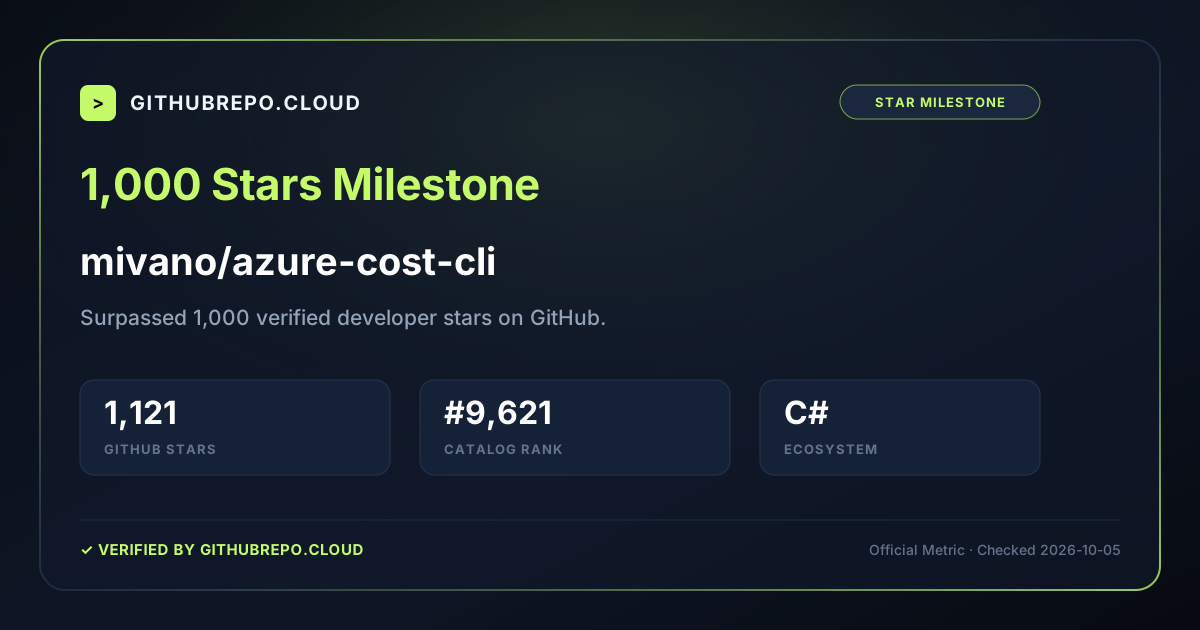
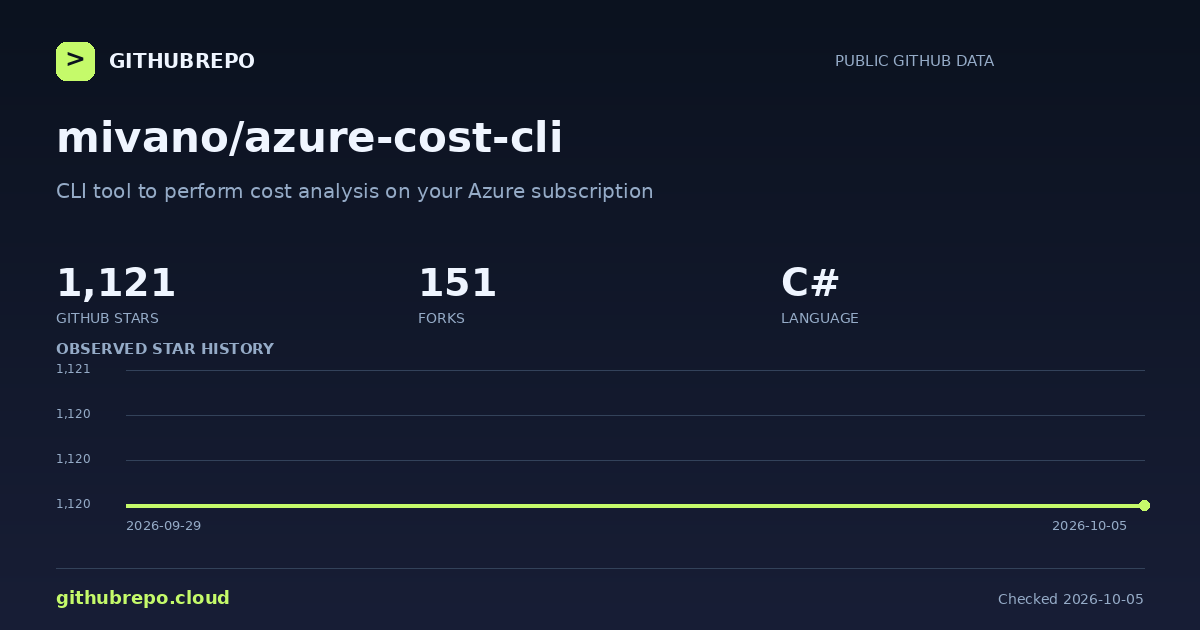
azure-cost-cli has 1,121 stars and 151 forks on GitHub.
How does azure-cost-cli rank among GitHub repositories? +
With 1,121 stars, mivano/azure-cost-cli is ranked #4,424 globally across all repositories tracked on GitHubRepo and #235 among C# projects.
What license is azure-cost-cli distributed under? +
The repository reports a Apache-2.0 license. Always verify the repository LICENSE file for legal terms.